
Ranges in milliseconds and frames
Annotate a moment or segment with its timecodes and frame numbers.
Mark a moment or range, write what needs to change, and give your AI agent frame-accurate context. Frame Notes keeps each note beside the local project.
No account. No cloud. On your device.
When a change depends on an exact frame, “fix this” is not enough. Leave a marker at composition time, add a note, and let your local tools read the context.
HyperFrames Studio in the browser · local projectsAnnotate a moment or segment with its timecodes and frame numbers.
Zoom the timeline and use the detail strip to review sub-second ranges.
Move a range's start or end with single-frame precision.
Loop the note while you check a transition or a cut.
Copy timecodes and text with one click, ready to paste into an agent.
review-notes.json and review-notes.md stay in the local project for your tools to read.
Use Chrome on-device recognition or, after consent, local Whisper.
The panel follows Studio's theme and includes a light view.
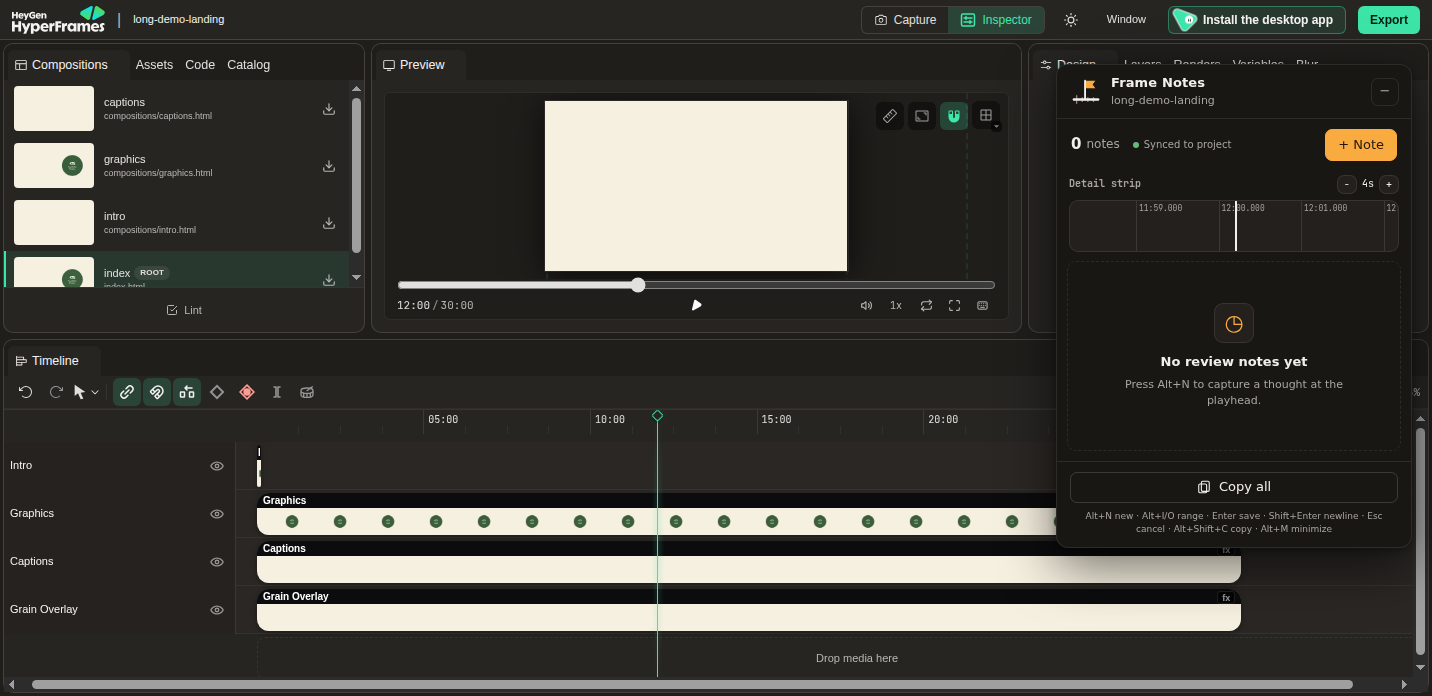
Run npx hyperframes preview and open the project in HyperFrames Studio. Frame Notes works in the local browser preview.
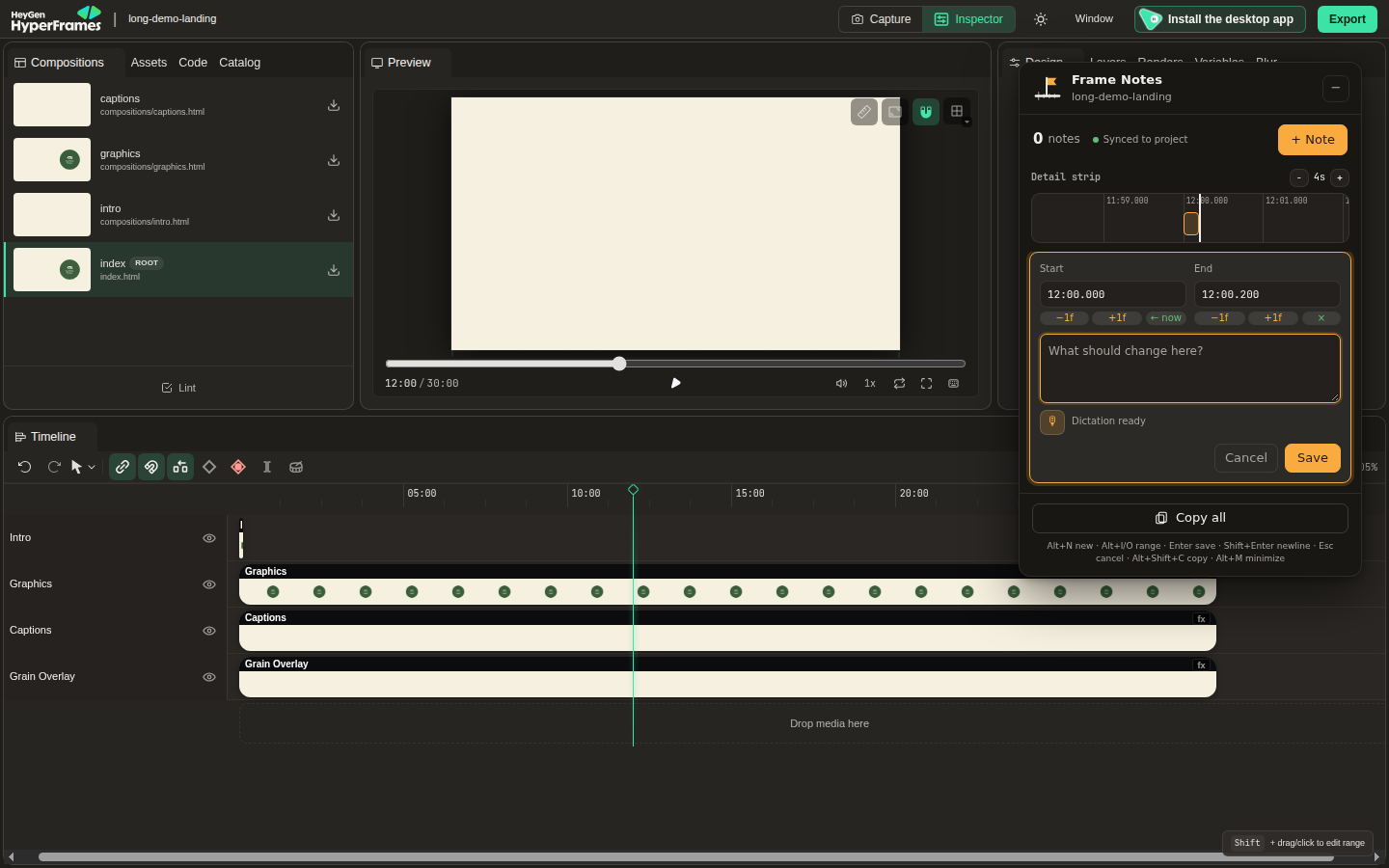
Press Alt+N to start a note. Use Alt+I and Alt+O on the frames that bound the range, then write the context.
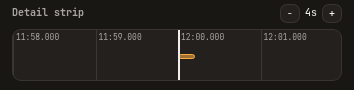
Zoom the timeline to see short ranges in the detail strip; adjust either edge by a single frame.
When you're done, click Copy all or let your local agent read review-notes.md from the project root.
Copy all writes the text to your clipboard only when you click it. This is the format produced by the extension's formatter:
Review notes — long-demo (3 notes, 30 fps)
1) 12:00.000 → 12:00.200 (f21600–f21606, 0.200 s): Check the title timing.
2) 12:14.433 → 12:22.833 (f22033–f22285, 8.400 s): Review the cut after the camera move.
3) 12:31.000 (f22530): Use this frame as the reference.Registered browser commands default to Alt+Shift+N/I/O/C and can be remapped in the extension's shortcut settings.
The panel follows HyperFrames Studio's dark or light theme.
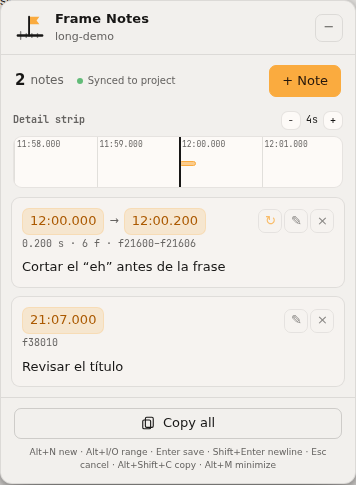
Frame Notes has no accounts, analytics, or telemetry. Notes are saved in the extension's local storage and mirrored to Studio project files.
Read the privacy policy →No. Frame Notes works with Studio in the browser from a local HyperFrames preview, not the desktop app.
Studio's internal file API may change between versions. Copying notes remains available.
Availability depends on the browser and its recognition services. Dictation is optional and starts only when you request it.
No. Firefox runtime behavior is less tested than Chrome.